Digital-fabrication gear isn’t just for hobby tinkering—these machines can pay their own bills (and then some) once you use them with intention. Below is a playbook distilled from five years of real-world trial, error, and profit. Whether you’re CAD-phobic or a Fusion wizard, you’ll find at least one path you can start this week.
1. Product Sales—No Design Skills Required
Buying a commercial-use file is the fastest on-ramp. You spend pennies on a proven design, print or cut a micro-batch, snap a few photos, and list the finished part on Etsy, Facebook Marketplace, or at a weekend craft fair. Because the file’s creator has already validated demand, you ride their market research while focusing on speed, material choice, and clean product photography.
Key points
- Start with “pain-killer” items (cord clips, drawer dividers, wall-mount tool holders).
- Look for listings that include Commercial License or Physical-Product Rights.
- Batch-print three units at once to cut per-piece machine time.
- Good photos and clear size specs separate you from copy-paste sellers.
- Reinvest the initial profit into the next design to keep momentum.
2. Prototype & Print Services
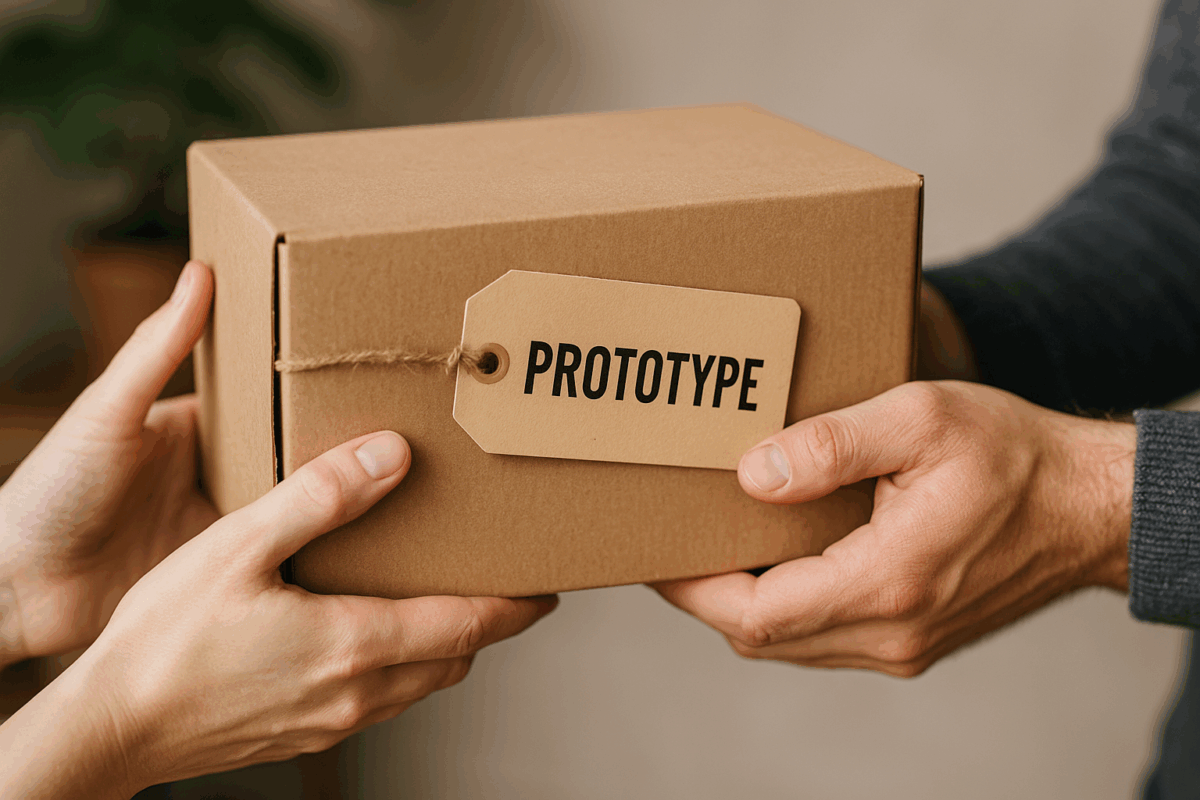
Local inventors and small businesses often need one prototype but have zero time—or budget—to learn slicers, kerf offsets, or machine maintenance. You become their on-call fabricator: quote per hour of print/laser/CNC time, add material cost, and charge a consulting rate for design tweaks and troubleshooting.
Key points
- Post a simple “Rapid Prototyping” offer in local FB groups or LinkedIn.
- Use a Google Form to collect STL/STEP files plus due-date and material prefs.
- Price = (machine hours × hourly rate) + materials + consult time.
- Offer same-day/next-day surcharge—speed is the premium clients pay for.
- Keep a photo log of finished prototypes to showcase credibility.
3. Design Once, Sell Infinitely (Digital Files)
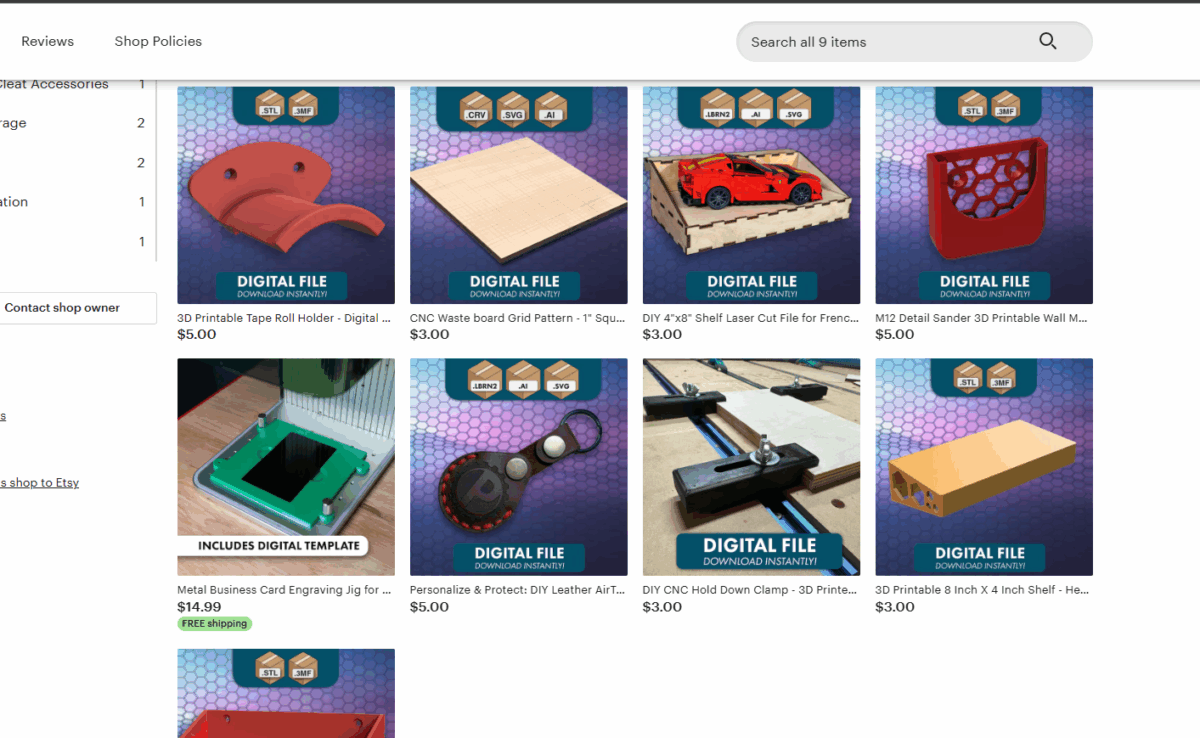
If CAD is your happy place, flip the model and sell the file itself. STL/SVG packs on Etsy generate passive income—every download is pure profit after the first sale. Layer Patreon tiers on top: free tier teases your style; paid tiers unlock monthly “pro packs,” assembly docs, or parametric versions.
Key points
- Niche beats general: “Festool-systainer inserts” sells better than “generic box.”
- Bundle related files (e.g., three cable clips) for higher perceived value.
- Include assembly notes or slicer profiles to reduce buyer remorse.
- Patreon tiers = recurring revenue + direct feedback loop for new ideas.
- Use Gumroad or Ko-fi as backups in case a marketplace policy changes.
4. Teach What You Know
Your “basic” slicer tweak or LightBurn trick is sorcery to a newcomer. Host weekend workshops at a makerspace, record an online mini-course, or offer Zoom coaching by the hour. Students pay for clarity and confidence; you earn money and create a funnel for consulting gigs, design-file sales, or group tool purchases you can affiliate-link.
Key points
- Outline a 90-minute “Intro to 3-D Printing” workshop—charge $50–$75 per seat.
- Screen-record bite-size lessons (5–7 min) and compile them into a Udemy or Gumroad course.
- Offer office-hour coaching bundles (e.g., 3 × 30 min calls) for deeper help.
- Use attendee Q&A to discover new product or tutorial ideas.
- Cross-sell your STL packs at the end of each class—students already trust you.
5. Content Creation & Brand Collaborations
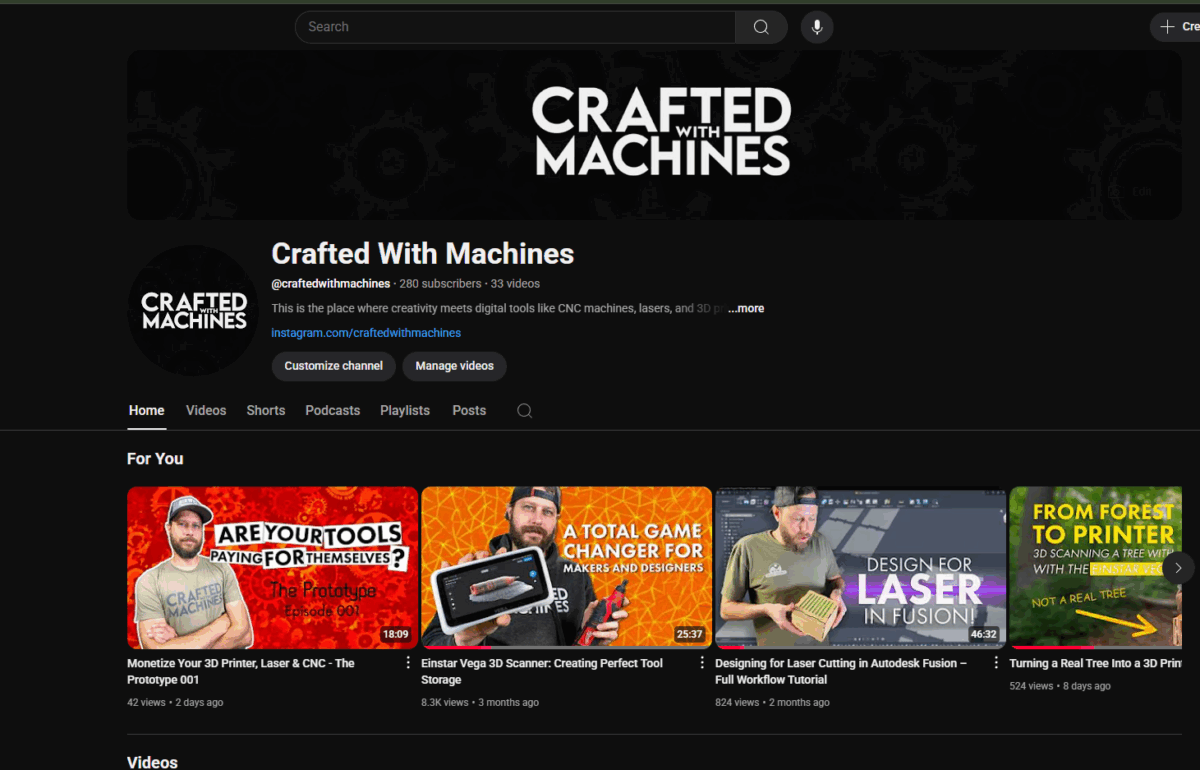
If you enjoy sharing builds, hit Record. Document a project on YouTube, slice it into Shorts/Reels, and cross-post blog summaries. Consistent, value-packed content attracts tool brands and material suppliers that will sponsor videos, send review units, or pay affiliate commissions.
Key points
- One build = 1 YouTube video, 3 Shorts, 5 Instagram photos, 1 blog post.
- Include affiliate links for every material or tool used—pennies add up fast.
- Keep videos at 8–12 min with one clear takeaway for better retention.
- Brands look for consistent posting > huge numbers; aim for weekly or bi-weekly cadence.
- Use content to promote your products, files, and workshops—flywheel effect.
One-Week Action Plan
| Day | Task |
|---|---|
| Day 1 | List three shop problems you’ve solved with prints/cuts. |
| Day 2 | Find a commercial-license file (or design your own) for one problem. |
| Day 3 | Produce three sellable units; stage clean, well-lit product photos. |
| Day 4 | Publish the listing on Etsy or a local marketplace; price at 3× material cost + labor or price similar to comparable products. |
| Day 5 | Share a behind-the-scenes pic on Instagram with #MakerSideHustle to gather feedback. |
| Weekend | Evaluate views, tweak listing, and plan your next product or service offer. |
Resource Vault
| Category | Links |
|---|---|
| File Marketplaces | Etsy Digital • Thangs • Cults3D |
| Design Software | Fusion 360 Personal • Adobe Illustrator |
| Pricing Tool | PrintTimeCalculator |
| Community Inspiration | r/functionalprint • r/lasercutting |